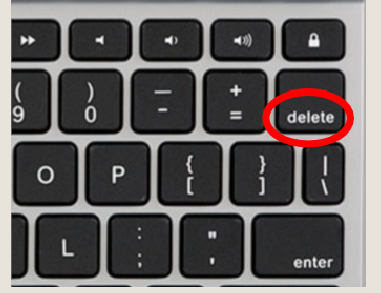



Sometimes website “changes” do not show because Internet browsers
use “caching” to store web pages.
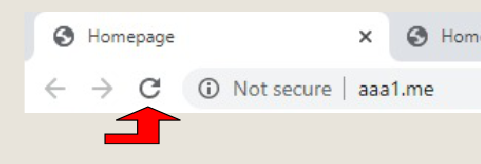
The first to try is refresh the page In the left top of your browser click The small circled arrow. If that does Not work you can do the next step.
The Browser stores a copy of visited pages on the hard drive and will use that copy to render when you next time visit that same site. The browser loads up the one on your hard drive rather than re-
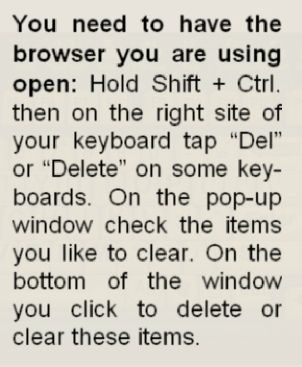
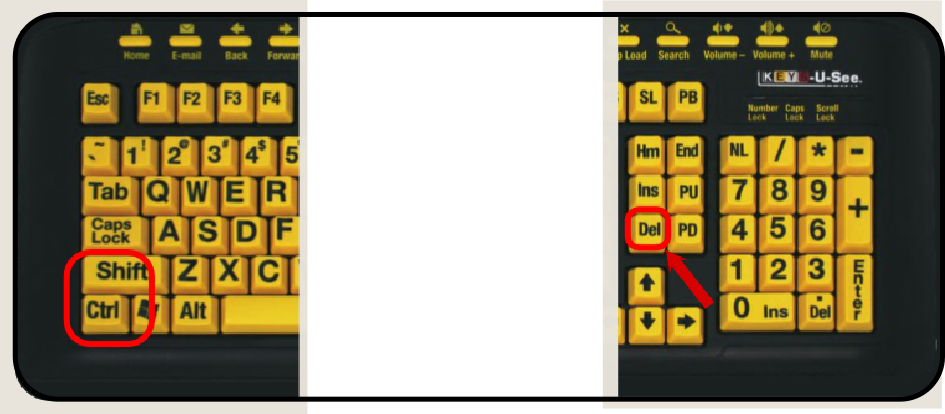
When the history of your browser is cleared and the website will show the way it is on the Internet and not what is on your hard Drive. Interested in Flash Drives ask us about it